
Occasionally, a user may report receiving the following error message when attempting to log in with their credentials:
"This account has been locked"
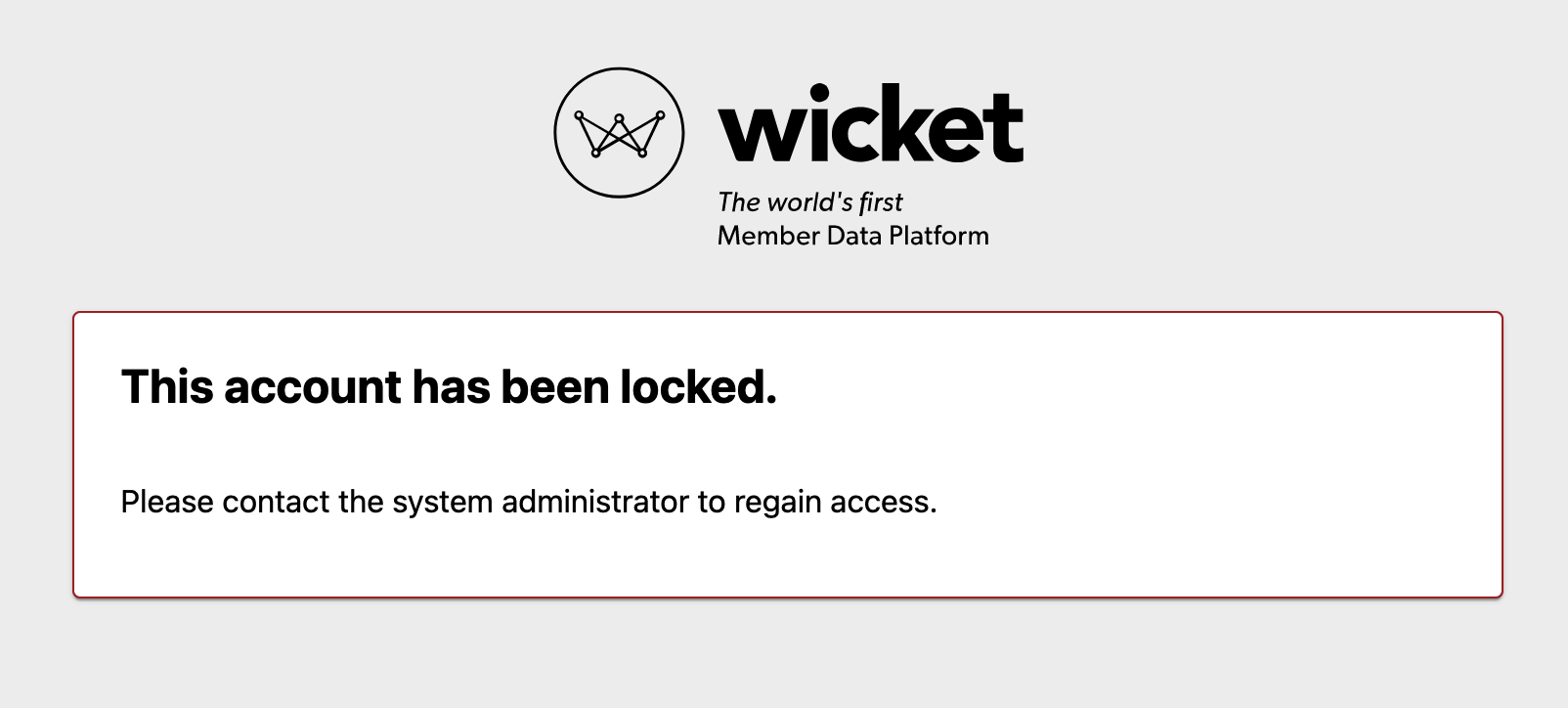
This typically happens when a user has set their password, but has not yet confirmed their email via the Email Confirmation email sent when their record in Wicket was created.
To verify and resolve:
- Navigate to the person's profile in Wicket.
- At the top of their profile, check if their email address is displayed as "Not Confirmed."

- If the "Not Confirmed" message is appearing, navigate to their Security page and click the "Resend Confirmation" button.
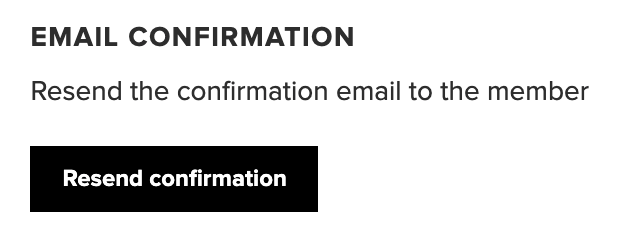
This process will re-send the email confirmation email to the person. This email contains a unique link, that once clicked, will confirm their email address within their Wicket profile. - Instruct the user to check their email and click the link.
Once successfully confirmed, their profile will no longer display the "Not Confirmed" message, and "Login" will appear instead.
Comments
0 comments
Article is closed for comments.